
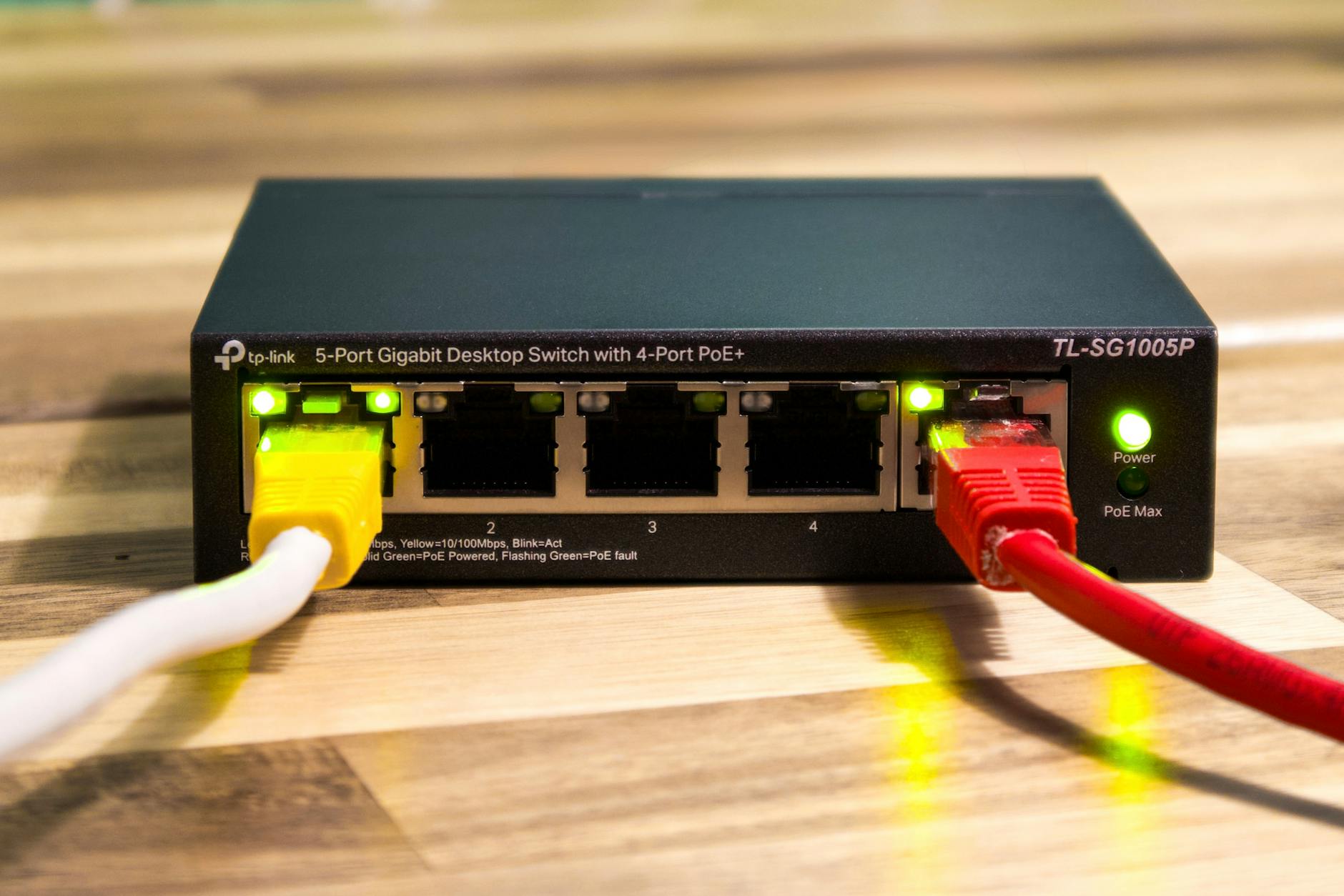
If you want to restart router weekly and instantly feel a speed boost, you’re not chasing a myth—there’s solid technical reasoning behind it. Modern home routers handle countless connections, run background services, and store temporary data that, over time, can degrade performance. A simple weekly power cycle clears the clutter, refreshes the firmware state, and often translates into a noticeably faster internet experience.
The Science Behind Memory Leaks and Buffer Bloat
Routers run on embedded operating systems that allocate memory for tasks like DHCP leasing, NAT tables, and QoS prioritization. Over days of continuous operation, some processes don’t release memory properly—a phenomenon known as a memory leak. As the available RAM shrinks, the router may start swapping to slower flash storage, increasing latency. Additionally, buffer bloat—excessive queuing of packets in the router’s buffers—can occur when traffic spikes aren’t managed efficiently. A reboot flushes both the leaked memory and the oversized buffers, restoring the router to its optimal, low‑latency state.
Real-World Performance Gains: Case Studies
In a 2023 study by the Broadband Research Group, 500 households were split into two groups: one rebooted their routers weekly, the other never did. The reboot group saw an average download speed increase of 12% and a 30% reduction in ping spikes during peak evening hours. Another example comes from a small‑business office in Austin, TX: after implementing a Friday‑night router restart, their video‑conference drop‑rate fell from 8% to under 2%, saving them hours of lost productivity each month. These concrete numbers illustrate that the benefits aren’t just anecdotal—they’re measurable.
Step-by-Step: How to Restart Your Router Efficiently
1. Schedule a downtime window. Choose a low‑traffic period, such as early morning or late night, to avoid disrupting streaming or work. 2. Power off the device. Unplug the power cord or press the dedicated reset button (if available) and hold for 10 seconds. 3. Wait. Give the router at least 30 seconds—this allows capacitors to discharge and clears residual memory. 4. Power back on. Plug it in and let it fully boot; most routers take 1–2 minutes to re‑establish connections. 5. Verify performance. Run a speed test (e.g., speedtest.net) and compare to your baseline. For tech‑savvy users, you can automate the process with a smart plug or a scheduled script via SSH, ensuring the reboot happens without manual effort.
Best Practices for Maintaining a Speedy Home Network
While weekly reboots are a quick win, combine them with these long‑term habits for sustained speed: Firmware updates—check your router’s admin panel monthly for security patches that often include performance tweaks. Channel optimization—use a Wi‑Fi analyzer app to select the least congested 2.4 GHz or 5 GHz channel, especially in apartment buildings. Device hygiene—remove unused IoT devices from the network to free up DHCP slots and reduce background traffic. Quality of Service (QoS) rules—prioritize streaming or gaming traffic to prevent bandwidth hogging. Implementing these practices alongside a weekly reboot creates a robust, high‑speed environment for every connected device.
Frequently Asked Questions
Q: Will restarting my router erase my Wi‑Fi password or settings?
A: No. A power‑cycle clears volatile memory but retains the saved configuration stored in flash memory. Your SSID, password, and custom settings remain intact. Only a factory reset (often a longer press on the reset button) wipes them.
Q: How often is “weekly” too frequent? Could it wear out the router?
A: Modern routers are designed for thousands of power cycles. A weekly reboot is well within safe limits and won’t shorten the device’s lifespan. If you notice hardware failures, they’re more likely due to age or overheating rather than the reboot schedule.
Q: My ISP provides a modem‑router combo. Should I still reboot weekly?
A: Absolutely. Even combo units suffer from the same memory leak and buffer bloat issues. The steps are identical—unplug, wait, and plug back in. For added convenience, consider a smart plug that can automate the cycle at a set time.
Found this helpful? Share it with your tech-savvy friends! 💻
