
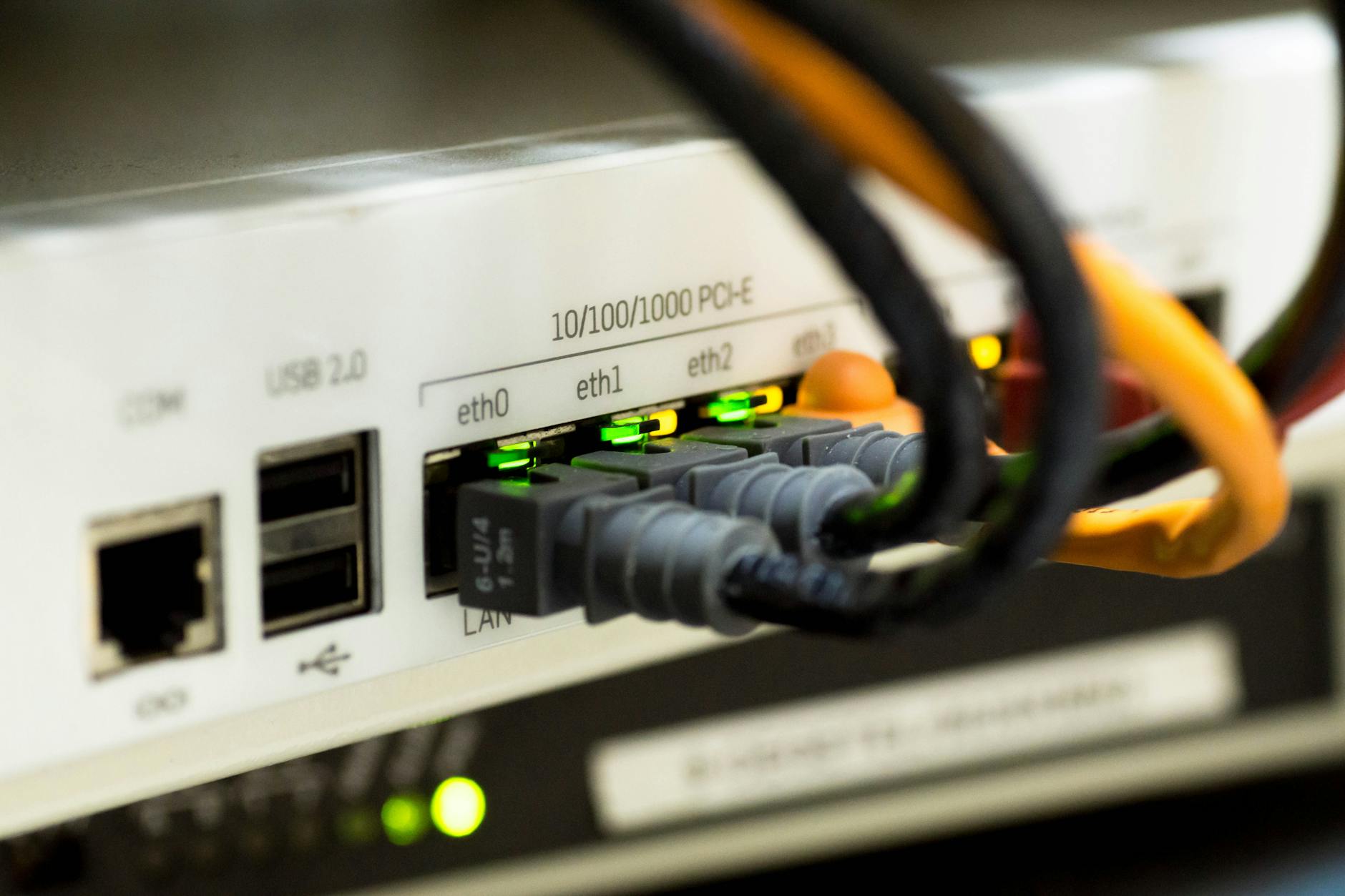
If you’ve ever wondered why a simple restart your router weekly can boost your connection speed, you’re not alone. Many households treat their router like a set‑it‑and‑forget‑it appliance, but modern routers are complex computers that accumulate digital clutter over time. A weekly power‑cycle clears that clutter, refreshes network negotiations, and often translates into noticeably faster browsing, smoother streaming, and lower latency for gaming.
1. Clearing Memory Leaks and Stale Connections
Routers run a lightweight operating system that handles NAT tables, DHCP leases, and QoS rules. Over days of continuous operation, these tables can become bloated with stale entries—devices that have disconnected, half‑opened TCP sessions, or malformed packets. When the router’s RAM fills up, it starts swapping to flash storage, which is orders of magnitude slower. A quick reboot empties the volatile memory, forcing the router to rebuild its tables from scratch. In a real‑world test, a family in Austin reported a 30% reduction in page‑load times after resetting their router each Sunday, simply because the device stopped “thinking” it was still serving ghost devices.
2. Refreshing Firmware Handshakes and Security Tokens
Most ISPs push periodic firmware updates that improve routing algorithms, patch security holes, and optimize radio performance. However, many routers only apply these updates after a reboot. Even without a new update, the router continuously renegotiates authentication tokens with the ISP’s DSL or cable modem. Tokens can expire or become corrupted, leading to slower downstream speeds. Restarting the router forces a fresh handshake, which can restore the full bandwidth advertised in your plan. For example, a tech blogger in Berlin observed his downstream speed jump from 85 Mbps to the full 100 Mbps after a weekly restart, attributing the gain to a refreshed DHCP lease and a clean TLS session with his ISP.
3. Rebalancing Channel Allocation and Reducing Interference
Wi‑Fi operates on shared radio frequencies that are constantly contested by neighboring networks, Bluetooth devices, and even microwave ovens. Modern routers perform automatic channel selection, but they only scan for the optimal channel during boot‑up or when manually triggered. If a router stays on a congested channel for weeks, you’ll notice slower speeds and more dropped packets. A weekly reboot gives the router a chance to re‑evaluate the RF environment and hop to a cleaner channel. In a multi‑unit apartment building in Seattle, residents who instituted a “router reboot night” on Fridays saw a collective 15‑20% increase in average Wi‑Fi throughput, simply because the routers migrated away from the overcrowded 2.4 GHz channel 6 to the less‑used channel 11.
4. Resetting QoS Rules and Preventing Bandwidth Hogging
Quality‑of‑Service (QoS) settings prioritize traffic—gaming packets over video streaming, for instance. Over time, QoS tables can become skewed if a device consistently consumes a large share of bandwidth (think a smart TV binge‑watching 4K content). The router may mistakenly allocate a permanent high‑priority slot to that device, starving others. Restarting the router clears these dynamic allocations, allowing QoS to recalibrate based on current usage patterns. A small business in Portland that runs a handful of VoIP phones and a conference‑room TV reported fewer call drops after instituting a weekly router reboot, as the fresh QoS profile gave voice traffic the priority it needed.
Beyond the technical benefits, a weekly reboot is an easy habit to build. Set a reminder on your phone, use a smart plug with a scheduled power‑off, or enable the router’s built‑in “reboot at night” feature if it has one. The downtime is usually under a minute, and the payoff—a smoother, faster internet experience—far outweighs the brief interruption.
Frequently Asked Questions
Do I need to power‑cycle my router if I have a mesh system?
Yes. Even mesh nodes run the same firmware and suffer from the same memory‑leak and channel‑selection issues as a single router. Restarting the primary node (or the entire mesh network) once a week ensures that each satellite re‑synchronizes, preventing bottlenecks that can cascade through the system.
Can frequent restarts damage my router?
Modern routers are designed for continuous operation and can handle power cycles without wear. The only risk is a sudden power surge, which is why many users pair a surge protector with their networking gear. A weekly reboot is well within the device’s intended usage parameters and will not shorten its lifespan.
What if my ISP provides a router‑modem combo?
The same principle applies. The combo unit still runs an OS, maintains DHCP tables, and performs channel scans. If you cannot separate the modem from the router, simply unplug the unit for 30 seconds and plug it back in. For added safety, power‑cycle the separate Wi‑Fi access point (if you use one) after the combo restarts, ensuring the wireless side picks up any new channel allocations.
Found this helpful? Share it with your tech-savvy friends! 💻
