
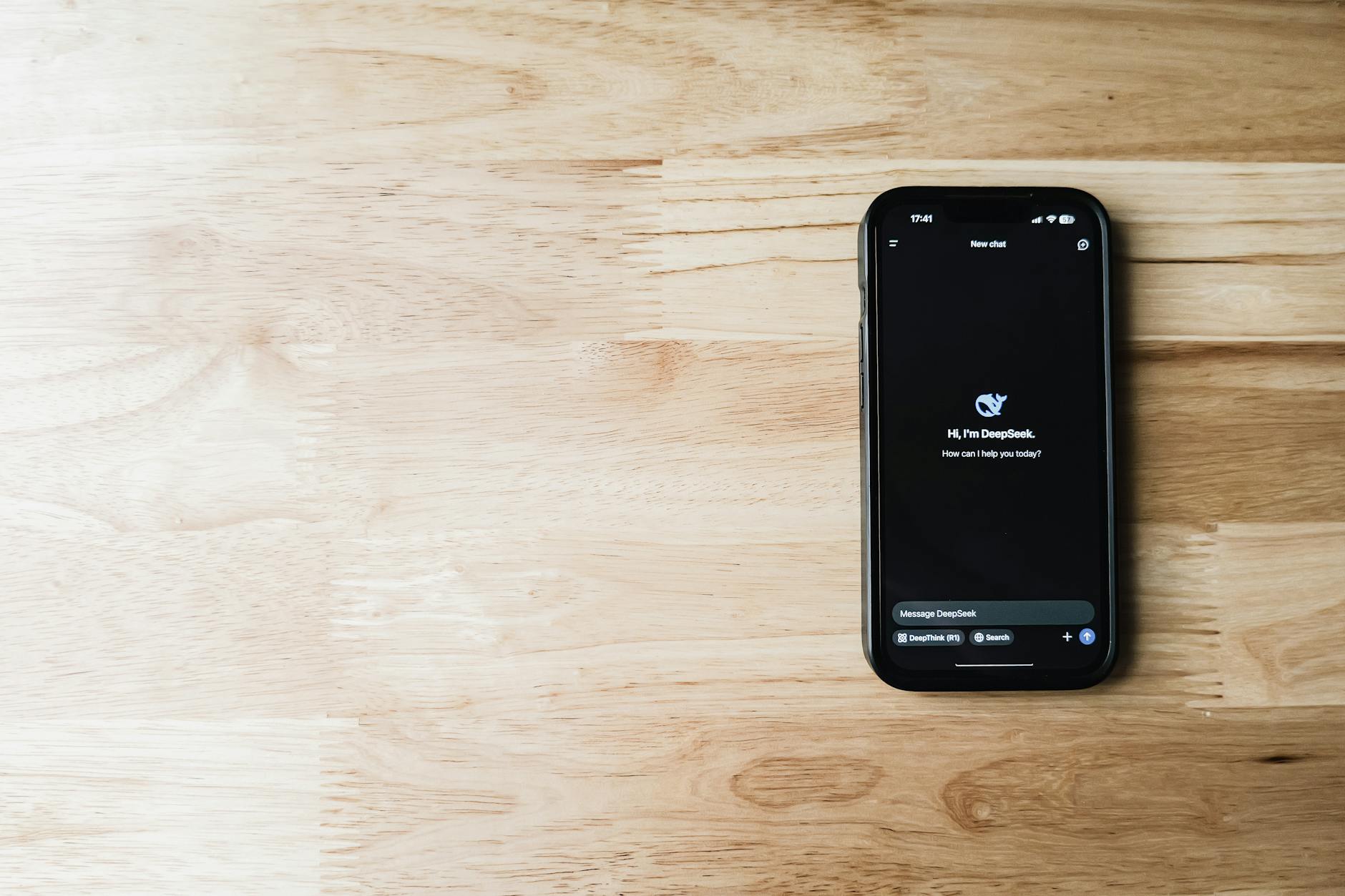
Photo by Airam Dato-on on Pexels
When it comes to dark mode battery savings, most users assume that switching to a darker UI will automatically extend their phone’s runtime. The reality, however, is far more nuanced, and the supposed power boost depends heavily on the type of display technology, usage patterns, and even the operating system’s implementation. In this article, we’ll dissect the science behind dark mode, debunk common misconceptions, and give you actionable insights to truly maximize battery life.
How OLED and LCD Technologies Differ
Modern smartphones primarily use two kinds of displays: OLED (Organic Light‑Emitting Diode) and LCD (Liquid Crystal Display). The key difference lies in how each pixel produces light. OLED pixels emit their own light, meaning a black pixel is essentially turned off and consumes near‑zero power. LCD panels, on the other hand, rely on a constant backlight that shines through all pixels, regardless of the color being displayed.
Because of this architectural distinction, dark UI elements can indeed reduce power draw on OLED screens, but the savings are usually modest—often in the range of 5‑15% under typical usage. On LCD screens, the backlight stays on at full intensity, so dark mode offers virtually no battery advantage. Understanding which technology your device uses is the first step in evaluating any claimed savings.
The Myth of Power Savings on LCD Screens
Despite the popularity of dark mode across Android and iOS, many users overlook the fact that a significant portion of the market still ships with LCD panels, especially in budget and mid‑range devices. For those phones, dark mode is purely an aesthetic choice. Benchmarks from sites like GSMArena and Tom's Guide consistently show negligible differences in battery drain when comparing dark and light themes on LCD phones.
Even on OLED devices, the savings can be offset by other factors. For example, many dark themes increase the use of white text and icons, which can slightly raise power consumption when the system renders them at higher brightness levels. Moreover, apps that don’t fully support dark mode may force bright backgrounds, nullifying any potential gains.
Real‑World Benchmarks and Why Results Vary
Multiple independent studies have measured the impact of dark mode on battery life. A 2023 Android Authority test on a Google Pixel 7 (OLED) showed a 7% increase in screen‑on time after a full charge when using dark mode versus light mode, under a controlled browsing scenario. In contrast, a 2022 iPhone 13 (OLED) test by The Verge reported only a 4% difference, attributing the gap to the phone’s adaptive brightness algorithm.
Crucially, these numbers fluctuate based on user behavior. High‑intensity tasks like gaming, video streaming, or using AR features keep the GPU and CPU active, dwarfing any marginal savings from a darker UI. Conversely, reading static text or scrolling through social feeds can highlight the modest gains on OLED screens.
Practical Tips to Extend Battery Life Beyond Dark Mode
If you’re serious about squeezing extra hours from your phone, focus on strategies that impact the entire system, not just the UI color scheme:
- Reduce screen brightness manually: While adaptive brightness is convenient, setting a lower static level can cut power draw by up to 30%.
- Enable battery‑saving modes: Both Android and iOS offer low‑power modes that throttle background processes and limit performance peaks.
- Turn off always‑on displays (AOD): AOD constantly refreshes the screen, negating any dark mode benefits.
- Limit background app refresh: Restricting apps from updating in the background reduces CPU cycles and network usage.
- Use dark wallpapers and lock screens: On OLED phones, static dark images keep more pixels turned off.
By combining these habits with a dark theme on an OLED device, you can realistically achieve a 10‑15% improvement in overall battery longevity, which is more noticeable than the isolated effect of dark mode alone.
Frequently Asked Questions
Q1: Does dark mode save battery on all phones?
A: No. Battery savings from dark mode are only measurable on OLED screens, where black pixels are turned off. LCD screens keep the backlight on, so dark mode provides virtually no power benefit.
Q2: How much battery can I actually save by using dark mode?
A: On OLED devices, real‑world tests show a 5‑15% increase in screen‑on time, depending on brightness, content type, and app support. The figure drops to near zero on LCD devices.
Q3: Should I enable dark mode if I want the longest battery life?
A: Enable it if you have an OLED phone and primarily use low‑intensity tasks (reading, browsing). Pair it with other power‑saving measures—lower brightness, disable always‑on display, and limit background activity—for the best results.
Found this helpful? Share it with your tech-savvy friends! 💻
