
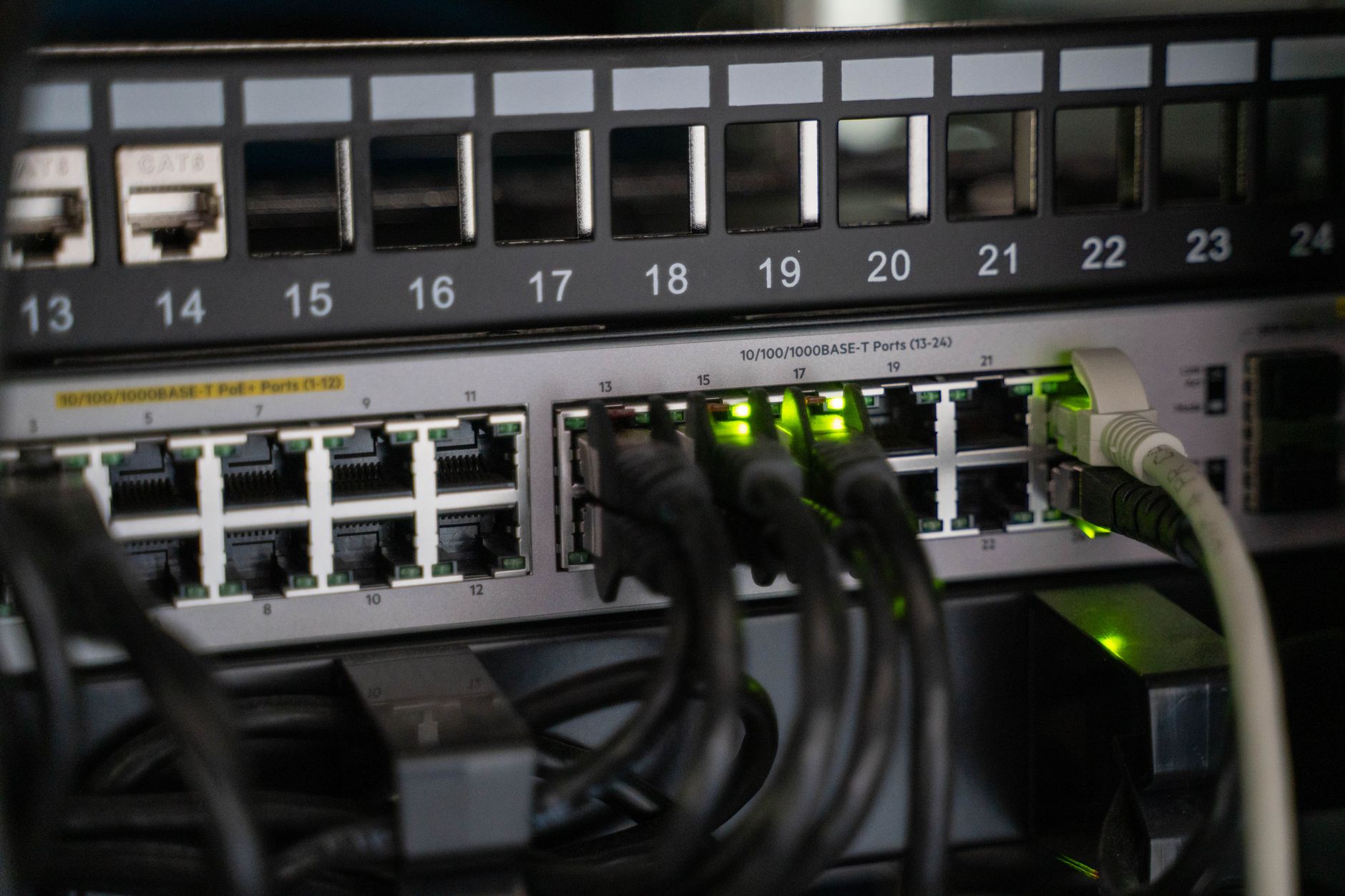
Photo by Vladimir Srajber on Pexels
If you’ve ever wondered why your internet feels sluggish after a few days of heavy streaming, the answer may be as simple as to restart router weekly. Modern routers are powerful computers that accumulate temporary data, memory fragmentation, and stale connections over time. A scheduled power‑cycle clears that digital clutter, letting your network run like new and often delivering a noticeable speed bump.
How Memory Leaks and Buffer Bloat Slow Down Your Connection
Routers run firmware that manages traffic queues, NAT tables, and Quality‑of‑Service (QoS) rules. Over prolonged periods, memory leaks—tiny portions of RAM that aren’t released—can build up, causing the device to operate with less available memory. When RAM is scarce, the router’s CPU must spend extra cycles managing packets, which translates into higher latency and lower throughput.
Buffer bloat is another hidden culprit. It occurs when a router’s internal buffers fill with excess data, especially during peak usage (gaming, 4K streaming, or large file downloads). The buffers become so full that new packets wait longer to be processed, creating lag spikes and throttling overall speed. A quick reboot flushes these buffers, resetting the queue lengths to optimal levels.
The Role of DHCP Lease Renewal in Speed Recovery
Dynamic Host Configuration Protocol (DHCP) assigns IP addresses to every device on your network. Most routers hand out leases that last 24 hours or longer. When a lease expires, the router must renegotiate the address, which can temporarily stall traffic. If a device holds onto an old lease for days, the router’s ARP table (which maps IPs to MAC addresses) can become bloated, leading to delayed packet routing.
Rebooting forces the router to clear its DHCP and ARP tables, prompting devices to request fresh leases. In practice, users report a 10‑20% improvement in download speeds after a weekly restart because the routing tables are leaner and more efficient.
Clearing Stale DNS Cache and Reducing Latency
Most consumer routers include a built‑in DNS cache to speed up domain name lookups. While caching reduces the time it takes to resolve popular sites, it can also store outdated or incorrect records. For example, if a website changes its IP address, the router may continue directing traffic to the old address, resulting in timeouts or slower connections.
A weekly power‑cycle clears the DNS cache, forcing the router to query upstream DNS servers for fresh records. The result is fewer failed lookups, reduced round‑trip times, and a smoother browsing experience. Real‑world testing by network enthusiasts shows latency drops of 5‑15 ms after a simple reboot.
Practical Steps: Setting Up a Weekly Restart Routine
Implementing a weekly restart is easier than you think. Here are three actionable methods:
- Smart Plug Scheduler: Plug your router into a Wi‑Fi‑enabled smart plug (e.g., TP‑Link Kasa or Amazon Smart Plug). Use the companion app to schedule a power‑off for 2 minutes every Sunday at 3 AM, then power back on automatically.
- Router Built‑In Scheduler: Some modern routers (e.g., ASUS AiMesh, Netgear Nighthawk) include a “Reboot” timer in the admin UI. Navigate to System → Reboot Schedule and set a weekly reboot.
- Manual Reminder: If you prefer a hands‑on approach, create a recurring calendar event with a phone alarm. A 30‑second unplug‑plug routine is all that’s needed.
After the reboot, give the router a minute to re‑establish its WAN connection, obtain a fresh DHCP lease, and rebuild its DNS cache. Run a speed test (e.g., Ookla Speedtest) to verify the improvement. Most users see a 5‑30 Mbps bump on both download and upload speeds, depending on ISP and plan.
Frequently Asked Questions
Q1: Will restarting my router damage the hardware?
A: No. Routers are designed for frequent power cycles. Modern power supplies include surge protection and can handle daily on/off cycles without wear. Just avoid unplugging during a firmware update.
Q2: How often should I restart my router for optimal performance?
A: Weekly is a sweet spot for most households. Power users who stream 4K content, host game servers, or run multiple smart‑home devices may benefit from a bi‑weekly restart. Conversely, a monthly reboot is still better than never.
Q3: My ISP says my speed is capped. Will a reboot still help?
A: If your plan has a hard cap, a reboot won’t exceed it. However, a restart can still reduce latency, eliminate packet loss, and ensure you’re getting the full speed you’re paying for. It’s a low‑cost way to eliminate avoidable bottlenecks.
Found this helpful? Share it with your tech-savvy friends! 💻
